
All Blogs
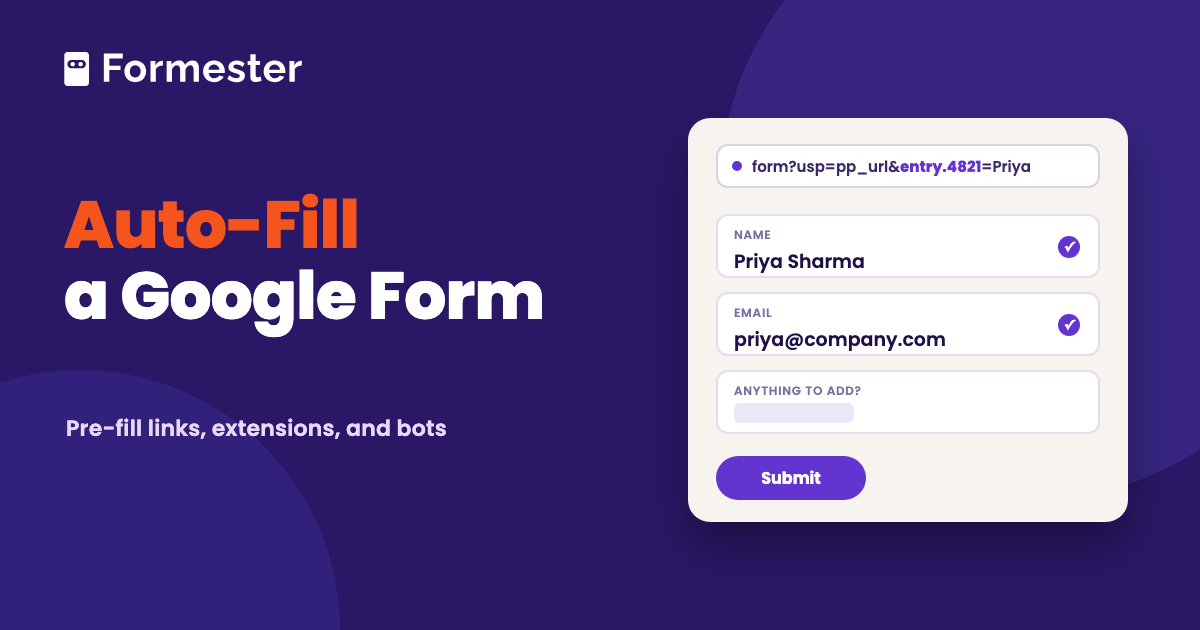
Google Form Auto Filler: Pre-fill Links vs Extensions
A Google Form auto filler is either a link that opens the form with answers already in it, or a browser tool that types your saved details into a form someone sent you. This guide walks through Google's built-in pre-fill link and the entry IDs behind it. It then covers the Chrome extensions for filling forms you were sent and answers the bot question. The last section shows where pre-fill stops.
Is Google Forms HIPAA Compliant?
Google Forms is covered by Google's HIPAA Business Associate Addendum, but only on a Workspace account with a signed BAA, and add-ons fall outside it. Here is what that means in practice.
CAPTCHA for Google Forms (and Why There Isn't One)
Google Forms has no CAPTCHA setting and no reCAPTCHA integration. Here is what the spam-blocking options actually are, why the regex trick keeps getting recommended, and when to move the form.
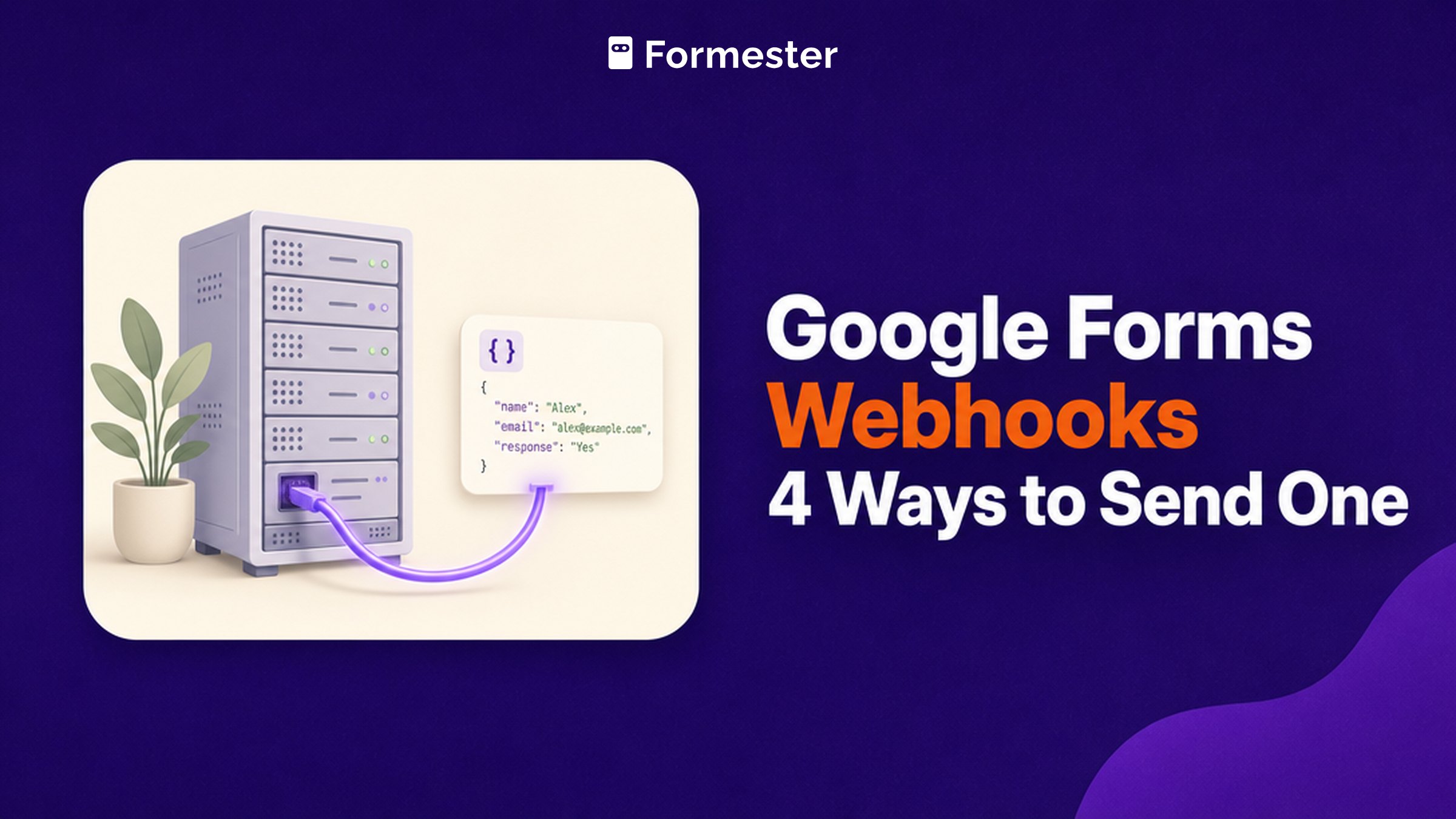
Google Forms Webhooks: 4 Ways to Send One
Google Forms has no webhook that posts to your URL. Here are the four routes that actually work, what each one costs you, and the seven-day expiry nobody mentions.
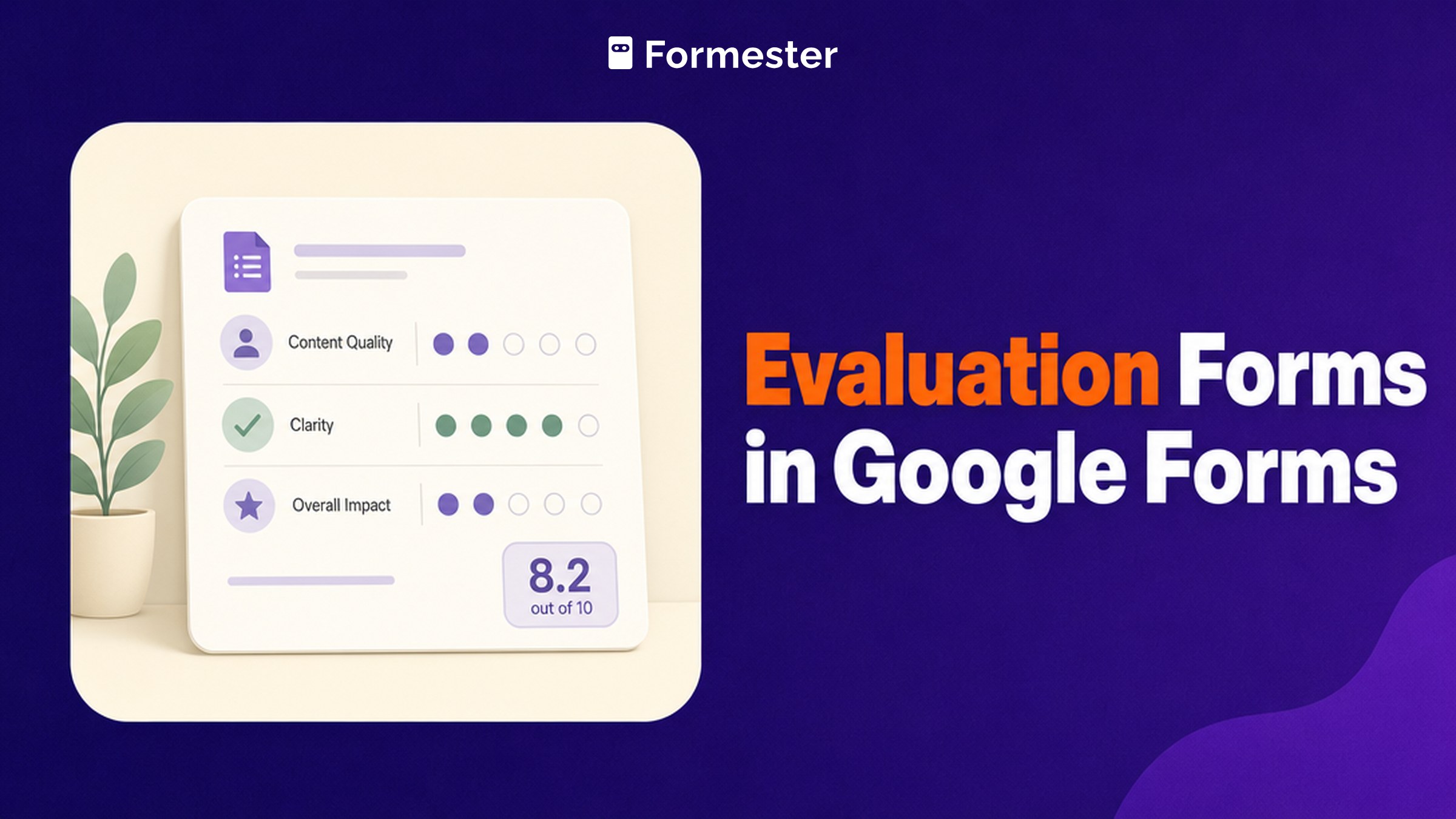
Evaluation Forms in Google Forms (and Where Scoring Breaks)
Build an employee, course or skills evaluation in Google Forms using rating scales and grids, and see exactly where its scoring and anonymity run out.
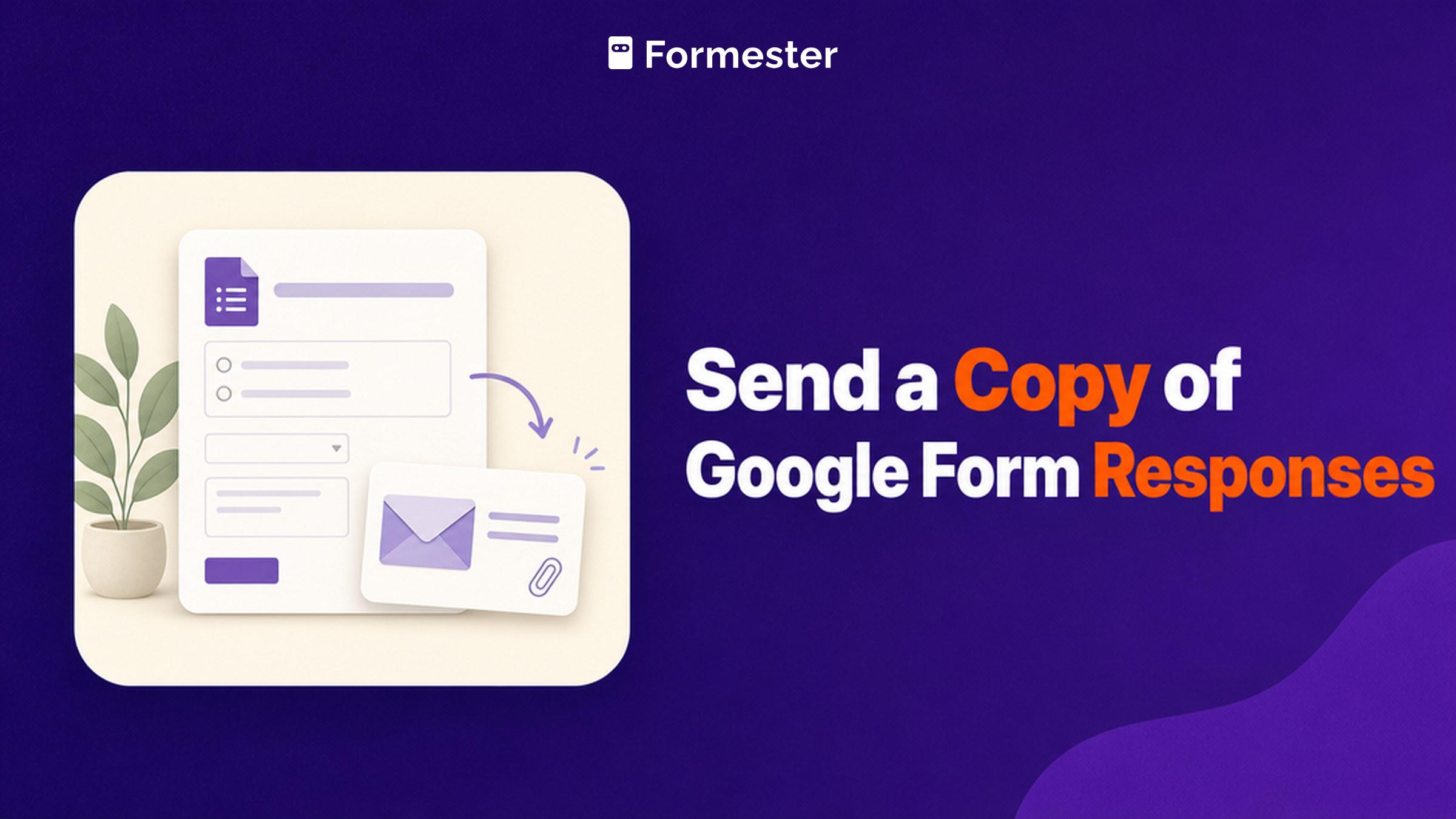
Send a Copy of Google Form Responses (All 3 Meanings)
Searches for sending a copy of a Google Form response cover three separate jobs: a respondent retrieving their own answers, an owner switching on receipts, and duplicating the form itself. Here is the answer to each.
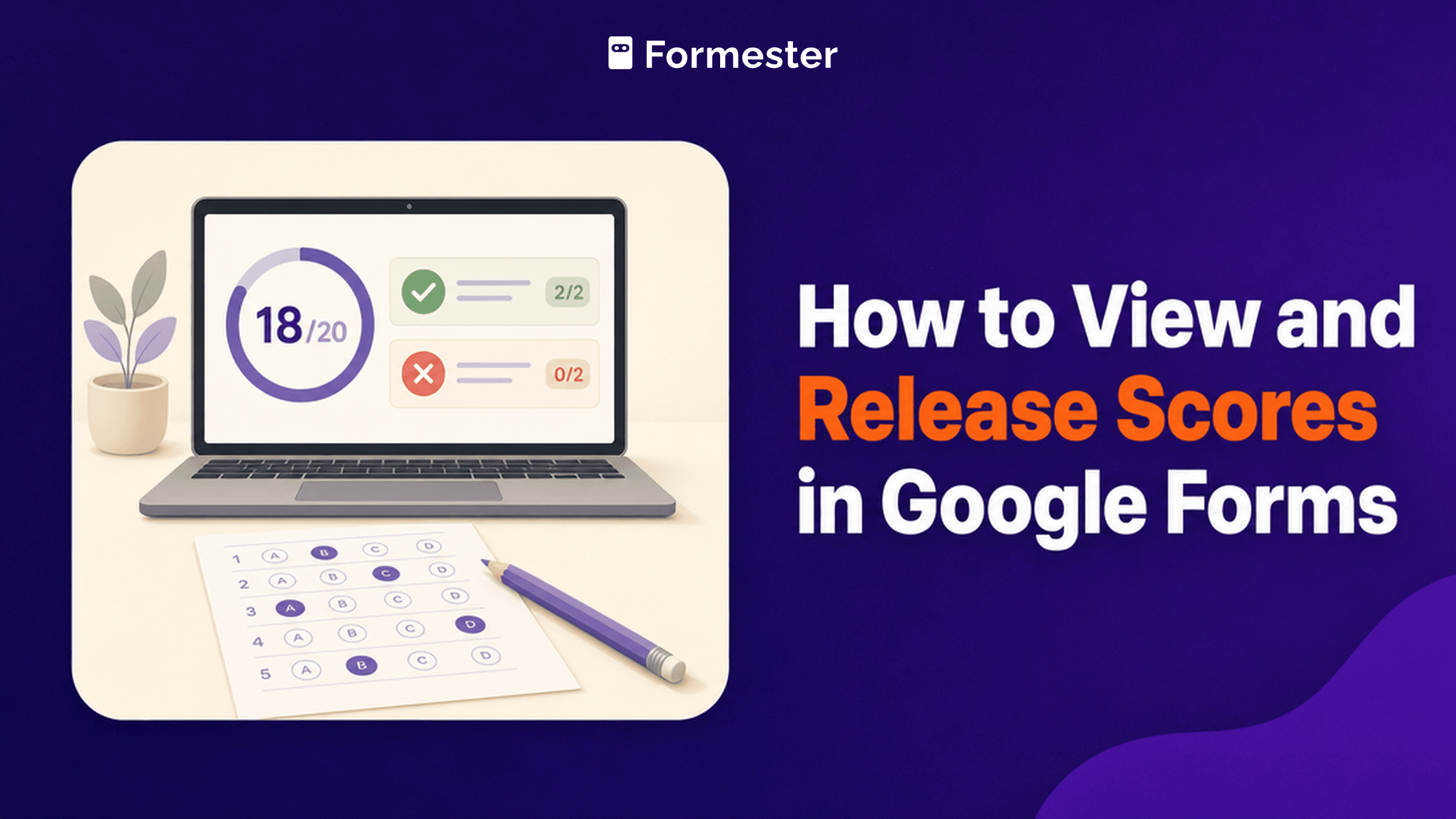
How to View and Release Scores in Google Forms
Google Forms hides quiz scores in three separate tabs, and one setting decides whether respondents ever see their own. This guide covers answer keys and points, both release modes, what respondents can and cannot see, and where Google Forms scoring runs out.
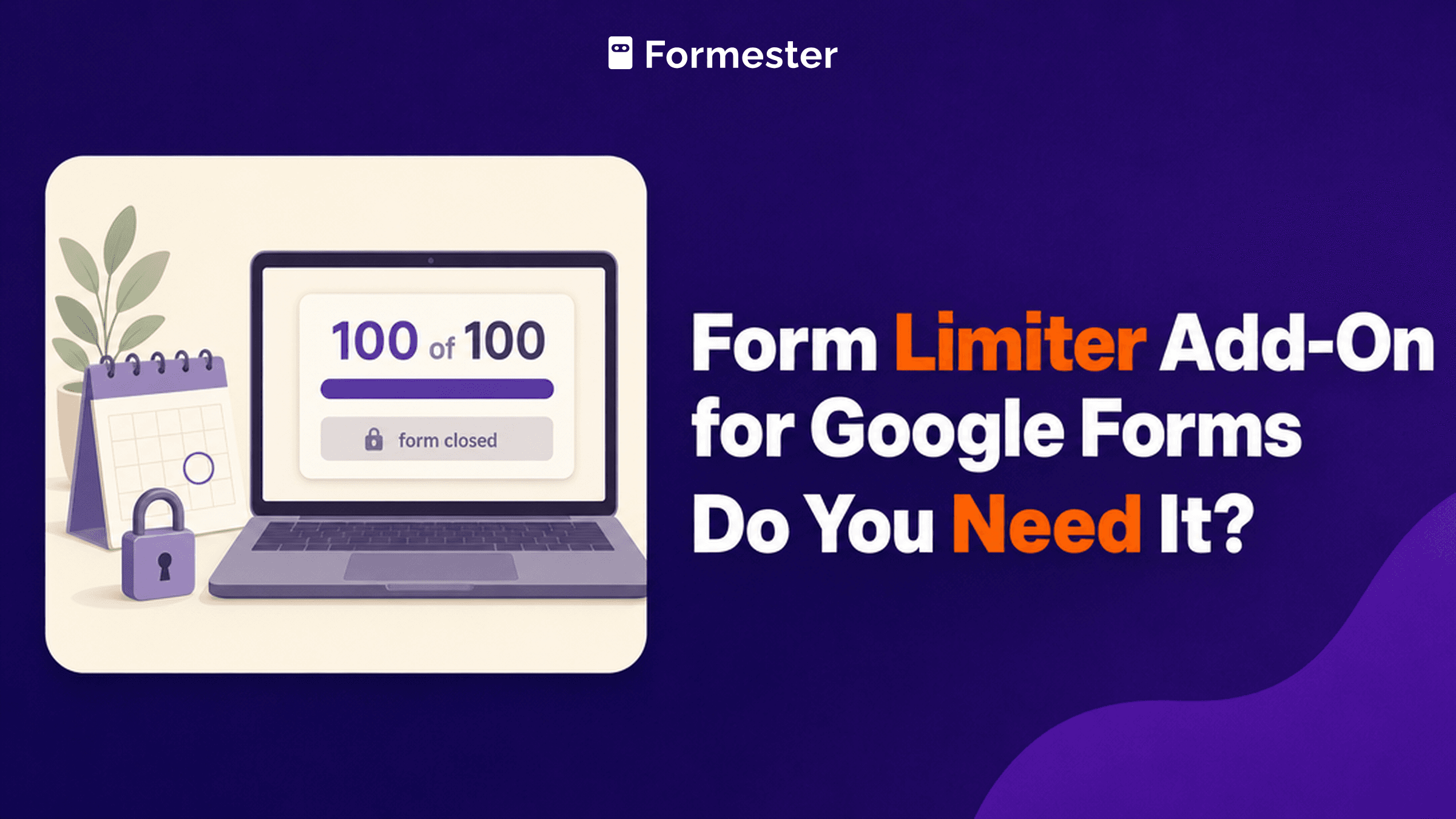
Form Limiter Add-On for Google Forms: Do You Need It?
Google Forms can now cap responses and close on a date without an add-on, but the setting is hidden behind Publish and you cannot use both at once. Here is where to find it, what the Form Limiter add-on costs now, and when it is still worth paying for.
How to Collect Email Addresses in Google Forms
Google Forms does not record email addresses until you switch the setting on. Here is where it lives, the difference between Verified and Responder input, who can see the addresses you collect, and how to get verified emails without forcing a Google sign-in.